MapShareMapShare
ShowcaseWhySourcesHowPricingFAQ
Sign inRequest access
MapShareMapShare

Your whole Share project, assembled, in their browser.

Cloud for numbers, photoreal for look — same scene, same coordinates. Send a link, not a ZIP. Viewers need no install and no account. Hosted in Australia.

Request accessShowcase
MacBook showing a live MapShare 3D project

The ZIP was never one thing.

A Share project is cloud, imagery, annotations and photos. Export breaks them apart. MapShare keeps them together.

Folder / Dropbox / Drive

Pieces they cannot open

  • Annotations die at export
  • “Please install CloudCompare”
  • Wrong coordinates
  • Support calls after delivery

MapShare

The project, assembled

  • Opens in the browser
  • Layers stay georeferenced
  • Annotate and measure from the cloud
  • Unlisted link — not a public gallery

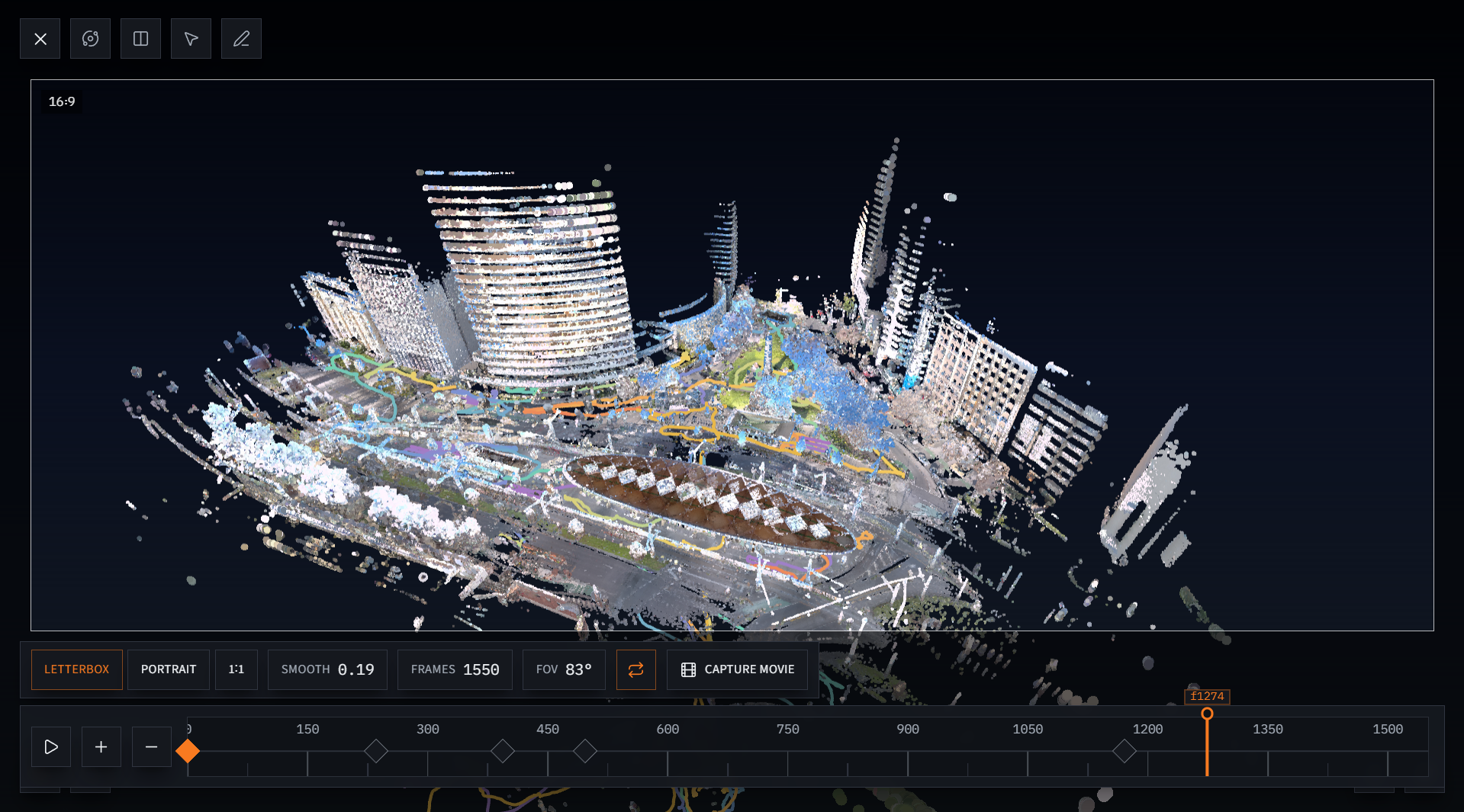
One scene for every source

A Share project is not one file. MapShare keeps it assembled in real-world coordinates.

Georeferenced by default

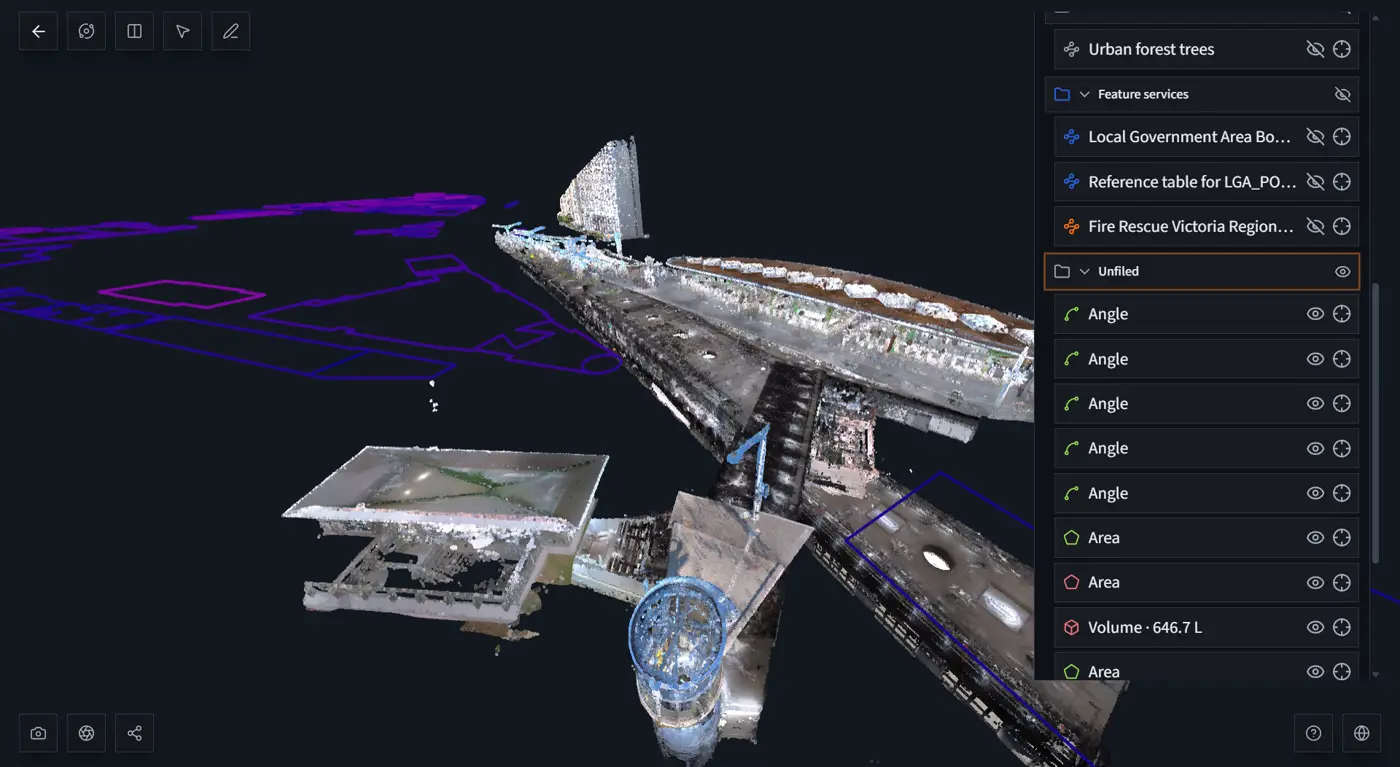
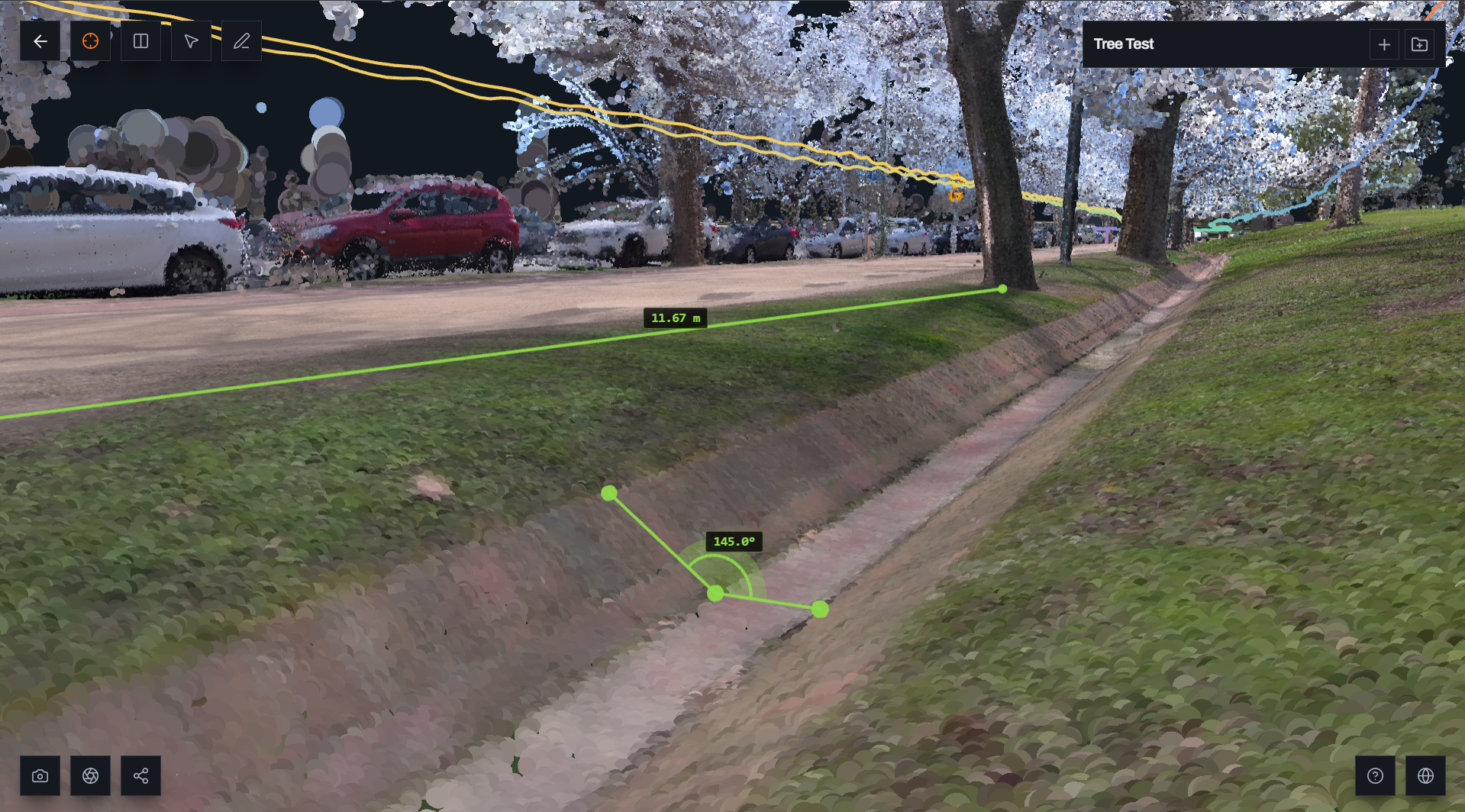
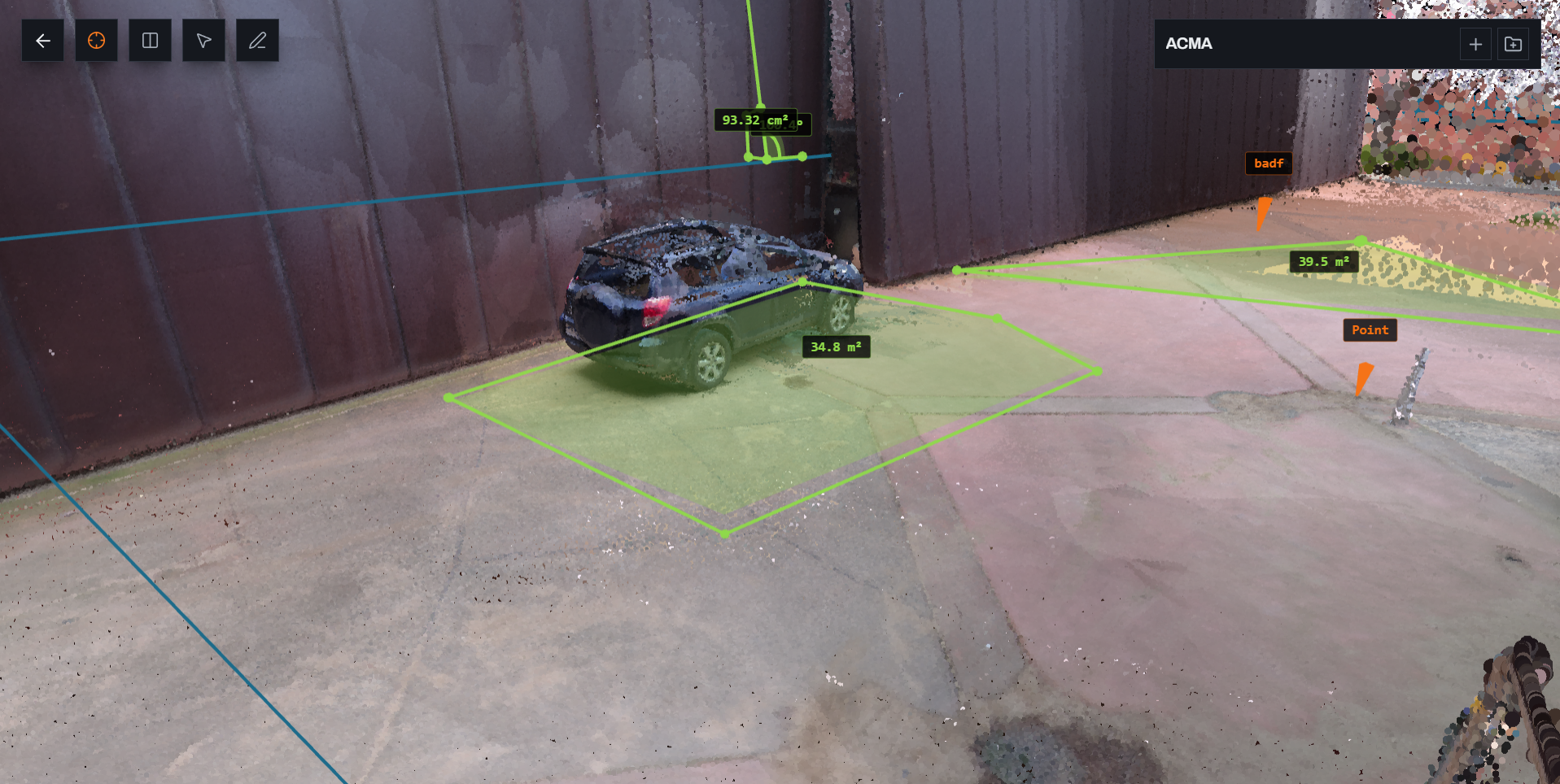
Stack sources, toggle visibility, frame the landing view. Measurement works in both views — geometry comes from the point cloud.

  • Your Share projectCloud, imagery, control — imported whole
  • On-site annotationsCarried through, not lost at export
  • Live map layersAny OGC or ArcGIS REST endpoint you already publish
  • Geotagged photosFrom the same walk, pinned in the scene
  • CAD and designDXF and design intent over the top
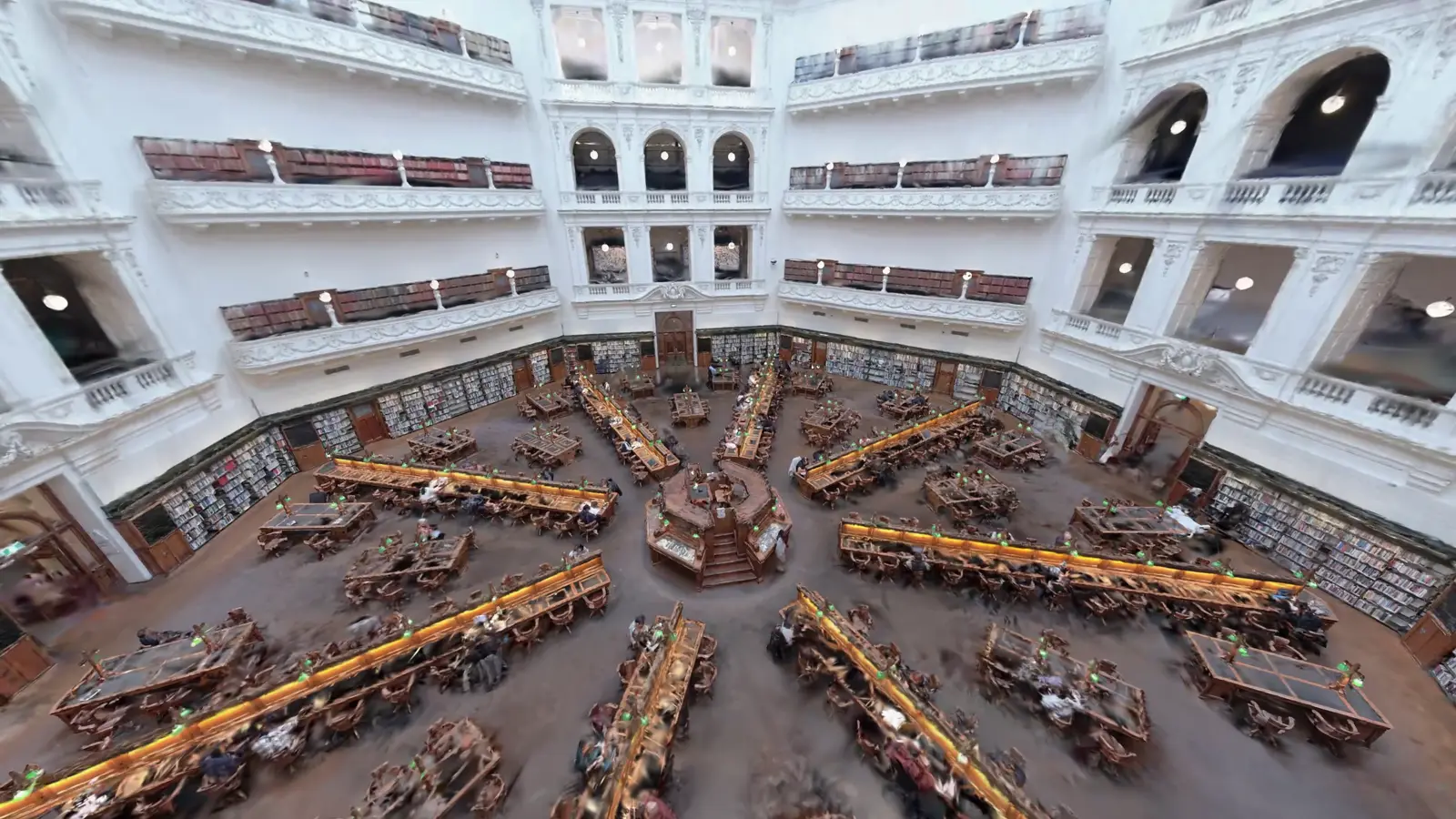
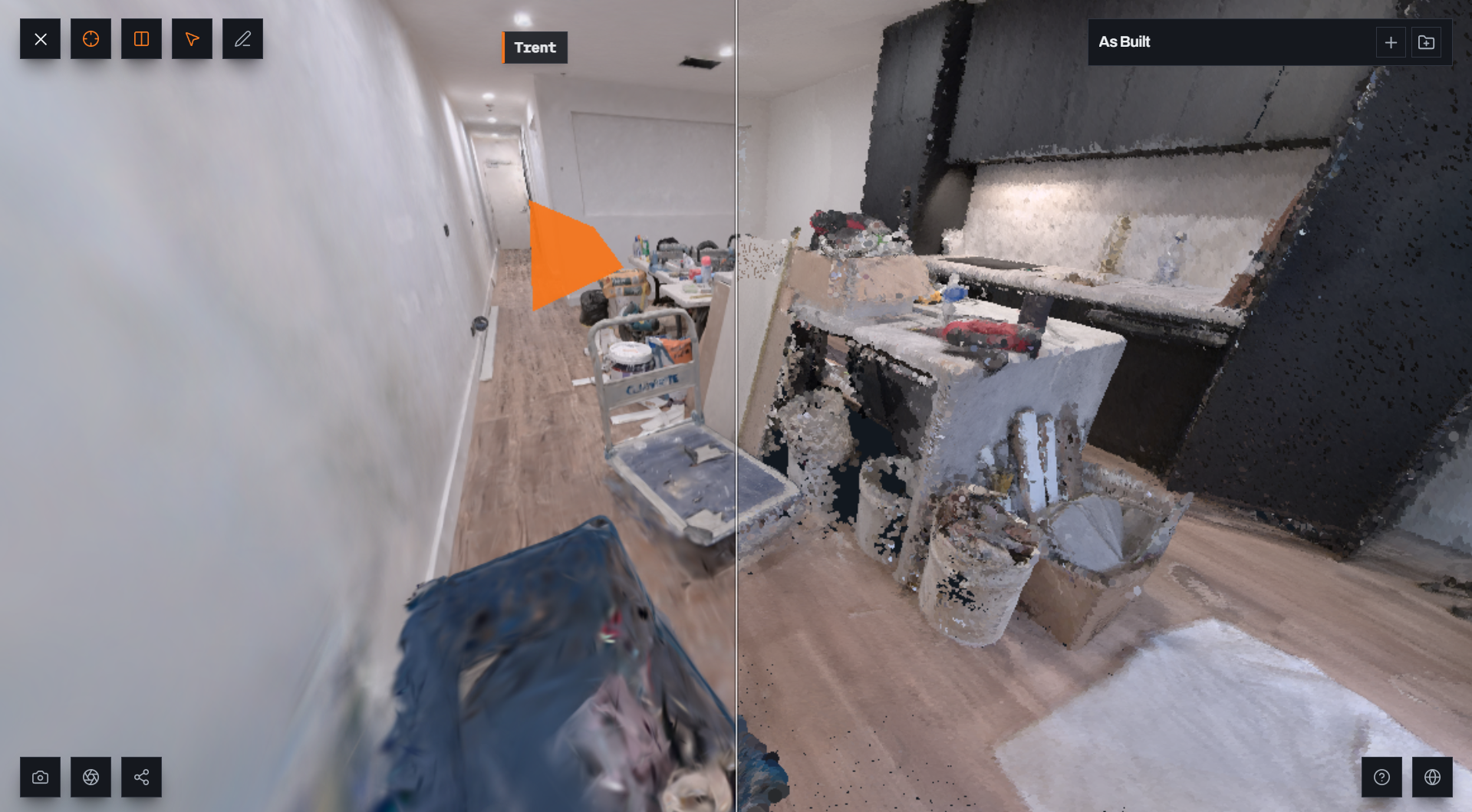
  • Photoreal viewShare 3DGS or uploaded splat — hosted, not generated

Shared annotations

You and your client mark the same scene. Pins stay in 3D.

Measure from the cloud

Photoreal for look. Numbers resolve against the point cloud.

Australian servers

Data stays in Australia. Download anytime. Nothing locked in.

Send a link, not a ZIP

Publish once. Anyone with the link opens the viewer. No install, no account for viewers. Links are unlisted — not a public gallery.

Built for Share Studio

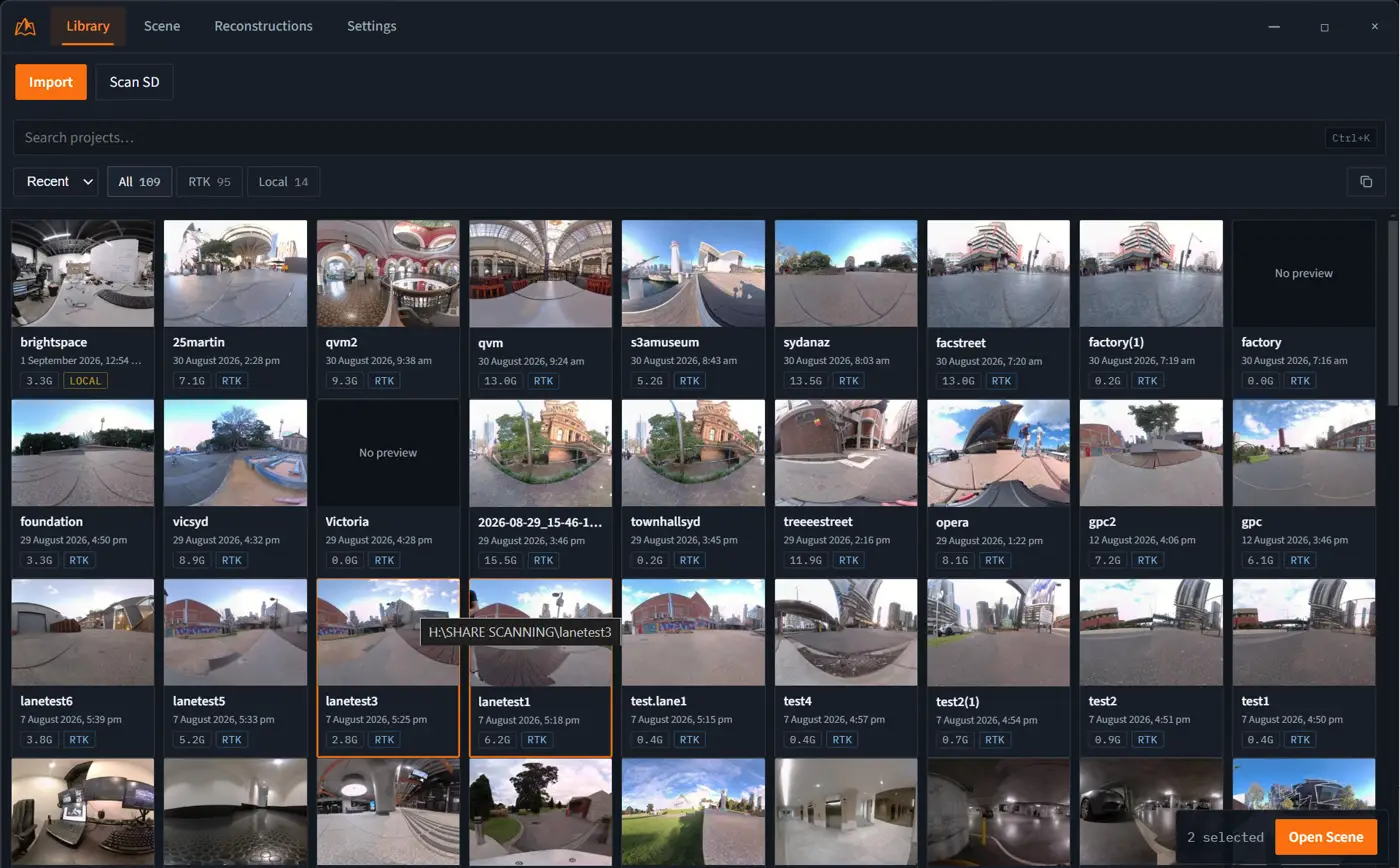
MapShare Helper reads your Share library — cloud, photoreal epochs, annotations — and publishes the project whole. Also works with exports from DJI Terra, Pix4D and Metashape.

  • .las
  • .laz
  • .ply
  • .splat
  • .dxf
  • .geojson
  • .tif
  • .las
  • .laz
  • .ply
  • .splat
  • .dxf
  • .geojson
  • .tif

Formats include .las, .laz, .ply, .splat, .dxf, .geojson and .tif. Live layers: quick-add Melbourne open data, or paste any OGC or ArcGIS REST endpoint.

From Share Studio to shared link

MapShare Helper is the Share integration — a one-time install for creators. Viewers never install anything.

  1. Connect Share

    Install MapShare Helper once on the PC that runs Share Studio. Browse your library.

  2. Compose

    Keep the project assembled — cloud, photoreal, annotations, photos, live layers.

  3. Share

    Publish an unlisted link. Clients view, annotate and measure — no install for them.

Priced per client project.

You bill for captures. We charge for published client projects, seats, and whose brand is on the link. Storage is included — not the reason to upgrade.

With every Share Scanner

12 months of MapShare Studio included

Every C1 and C1 Pro from Mirrormapper includes Studio — your whole Share project, assembled, as an unlisted link. Activate after purchase; no code to lose.

Shop scanners

Try the workflow

Trial

15 GB included

Free

No card required · if you did not buy hardware

  • 1 published project
  • MapShare branding on share links
  • 15 GB included
  • Australian hosting
Request access

Popular

Studio

250 GB included

A$99/mo

A$99/mo · A$990/yr

  • 15 active published projects
  • 1 seat
  • Logo, accent, share title & contact line
  • Powered by MapShare stays
  • 250 GB included
Request access

Practice

1 TB included

A$299/mo

A$299/mo · A$2,990/yr

  • 50 active published projects
  • 5 seats
  • Remove Powered by MapShare
  • Branded embed
  • acme.mapshare.app · custom domain
  • 1 TB included
Request access

Quote

Enterprise

Quoted included

From A$800

Quoted · sales-led

  • Unlimited published projects
  • Multiple brand kits
  • SSO · API · priority support
  • Signed AU data residency terms
Request access

Prices AUD · Australian servers · Extra storage available as an add-on · Cancel anytime at period end

Questions

What is MapShare?
MapShare is the delivery layer for a Share Scanner capture. It keeps your project assembled — colourised cloud, photoreal view when present, on-site annotations, photos — and publishes an unlisted link. Clients open it in the browser. No install, no account for viewers. Hosted in Australia.
Are share links public?
No. Links are unlisted and not indexed by default. There is no directory or public gallery. Viewers need the link you send — not an account, and not a search result.
What file types can I upload?
Share Studio projects via MapShare Helper (colourised LAS/LAZ, Gaussian / photoreal epochs, annotations), plus GeoTIFF, DXF, GeoJSON and common splat formats. Photo and video annotations are supported in the viewer. Live layers: Melbourne open data presets, or any OGC / ArcGIS REST endpoint.
Do my clients need an account?
No. They open the unlisted link in a browser. You can embed the scene in a report. Creators install MapShare Helper once to read Share Studio — viewers never install anything.
How does pricing work?
Priced per client project, seats, and branding — not gigabytes. Trial: free with 1 published project. Studio: A$99/mo for 15 projects, your logo on links. Practice: A$299/mo for 50 projects, full white label. Enterprise: from A$800/mo, quoted. Every Share Scanner C1 and C1 Pro from Mirrormapper includes 12 months of Studio.
How do I get access?
Bought a C1 or C1 Pro? Check your inbox for MapShare to set your password — Studio is already included. Otherwise request access and we onboard you personally. Sign in if you already have an account. Viewers of your share links never need an account.
Where is my data stored?
On Australian servers. We are an Australian company. Your project data stays in Australia for data sovereignty.
Is my data locked in?
No. Your files stay yours. Download them anytime. MapShare hosts and presents the scene; it does not trap the data.

Share your next capture

Request accessSign in
MapShareMapShare

Your whole Share project, assembled. Australian servers.

Sign inPricingFAQTermsPrivacy
© 2026 MapShare. All rights reserved.